
Launch Monitor Metrics Explained: What to Track in Practice
A launch monitor can show enough numbers to make a practice session feel like an exam. You do not need to master every field at once. Start with the question you want answered, then pick the two or three measurements that answer it.
About this guide: Definitions are based on the linked technical references and manufacturer documentation, checked October 9, 2026. The sample shots and exercises are illustrations, not measurements from our own testing, and they are not personal swing instruction.
The core measurements in plain English
| Metric | What it describes | Type |
|---|---|---|
| Club speed | How fast the clubhead travels just before impact | Club |
| Ball speed | How fast the ball leaves the face | Ball |
| Smash factor | Ball speed divided by club speed | Calculated |
| Launch angle | The ball’s initial upward angle | Ball |
| Launch direction | The ball’s initial left or right direction relative to the target line | Ball |
| Spin rate | How fast the ball rotates, usually in revolutions per minute | Ball |
| Spin axis | The tilt of the axis the ball spins around, which relates to curve | Ball |
| Attack angle | Whether the clubhead is moving up or down at impact | Club |
| Club path | The clubhead’s left or right direction at impact | Club |
| Face angle | Where the clubface points at impact relative to the target line | Club |
| Carry | Distance the ball travels in the air | Usually modeled indoors |
| Total distance | Carry plus rollout | Modeled |
| Apex | The highest point of the flight | Usually modeled indoors |
Reference: Trackman’s data parameter definitions. Manufacturers label and calculate some fields differently, so check your device’s documentation before assuming two monitors mean the same thing by the same word.
Ball data and club data
Ball data describes what the ball did: speed, launch, direction and spin. Club data describes what the club did to cause it: speed, path, face angle and attack angle. Most monitors under $1,000 lean on ball data. Club data often needs more hardware, stickers on the club, or a paid plan.
A few examples from manufacturer documentation we checked in October 2026:
- The Garmin R10 lists club head speed, face angle, club path and angle of attack alongside ball data.
- The Bushnell Launch Pro needs a Silver or Gold software plan for club head speed, smash factor, club path and angle of attack.
- The Uneekor EYE MINI CORE needs a one-time club data purchase and club stickers.
If a practice goal depends on club data, confirm that your model and plan include it before you build a routine around it.
Pick metrics by the question you are asking
How far should I plan to hit this club?
Look at carry and the spread of results. Take an illustrative set of seven shots: 128, 139, 140, 141, 143, 145 and 151 yards. The median is 141 yards. That is a better planning number than 151, which one swing reached.
Do not quietly delete the 128-yard shot because you disliked it. An ordinary mishit tells you about the range of outcomes you bring to the course. If it was a clear capture error, note that separately. You can keep two views: typical solid strikes, and all ordinary shots.
Am I striking it more efficiently?
Use ball speed and club speed together. In a made-up example, 135 mph ball speed divided by 90 mph club speed gives a smash factor of 1.50. At 126 mph and 90 mph, the ratio drops to 1.40.
That arithmetic is not a target for every club. Lofted clubs produce lower ratios than a driver, and Trackman explains why in its discussion of smash and spin indexes. Compare the same club, on the same device, in the same setup.
Why does the shot miss the target?
Separate where the ball starts from how it curves. Launch direction describes the start line only; see Trackman’s launch direction explanation. Curve relates to spin axis and, on monitors that measure it, the relationship between face angle and club path.
Before reading anything into a left or right pattern, confirm where the monitor thinks the target line is. A misaligned unit can make a straight shot look offline. In your notes, write the intended target, start direction and final pattern rather than just “missed right.”
Is my wedge distance control improving?
Pick three partial swing lengths and hit a small group with each. Track carry and the spread within each group. Launch angle and spin help explain why two shots with the same swing length flew different distances. Keep the ball the same throughout, since some monitors need marked or specific balls for accurate indoor spin.
Measured, calculated and modeled
Not every number on a screen comes straight from a sensor. Some are measured, some are calculated from other values, and indoor carry and total distance are usually modeled from launch data because the ball hits a net within a few feet.
Spin is the field where this matters most. Some monitors measure it directly, while others estimate it in some setups. FlightScope, for example, says the Mevo Gen2 needs aluminum stickers or Titleist RCT balls for accurate spin measurement indoors. Read your manufacturer’s notes on which fields are measured in your setup.
Normalization is another layer. Trackman explains that its normalization feature models results under chosen conditions rather than the actual weather; see its normalization guide. A modeled number can be useful. It just answers a different question from a raw observation.
Write down the active settings whenever you compare sessions. If you changed altitude, ball type or simulated conditions, a distance gain may come from the settings rather than the swing.
A simple 20-shot practice session
- Choose a question. For example: how consistent is my stock 9-iron today?
- Check the setup. Confirm target line, device placement, club selection and ball.
- Warm up first. Keep warm-up swings out of the recorded set.
- Record ten shots. Keep ordinary misses and label obvious capture failures.
- Make one deliberate change. A different target, or a drill your coach gave you.
- Record ten more. Compare the two groups without treating a small sample as proof.
Twenty shots is a way to organize a session, not a statistical standard. The value is knowing what you changed and what you saw. If you switch clubs, balls, swing thoughts and software settings at once, no spreadsheet will untangle the result.
Common traps
- Using the longest shot as the stock number. Record the middle and the spread.
- Chasing tour averages. A reference population is not automatically right for your speed or your shot.
- Comparing different environments. Note the ball, settings and room before comparing sessions.
- Trusting one odd reading. See whether it repeats under the same conditions.
- Assuming more fields mean better practice. Use the smallest set of numbers that answers your question.
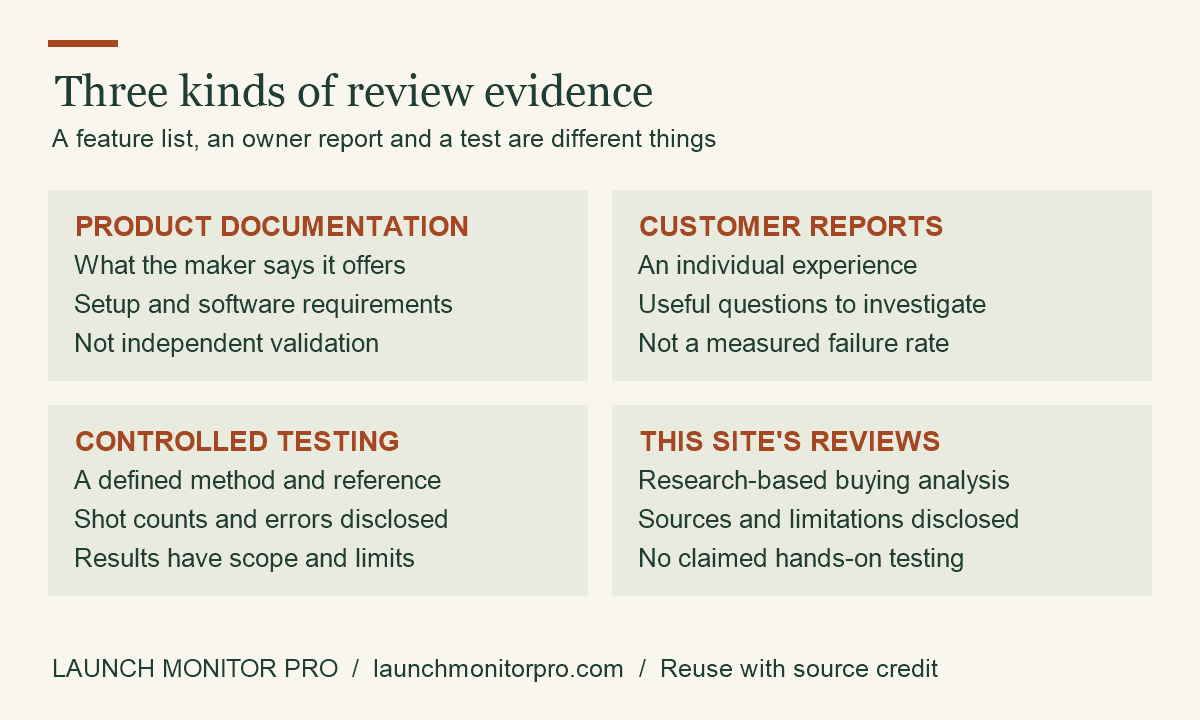
Original explainer by Launch Monitor Pro. You may reuse this graphic with visible credit and a link to the source article. This is a planning aid, not product test data.
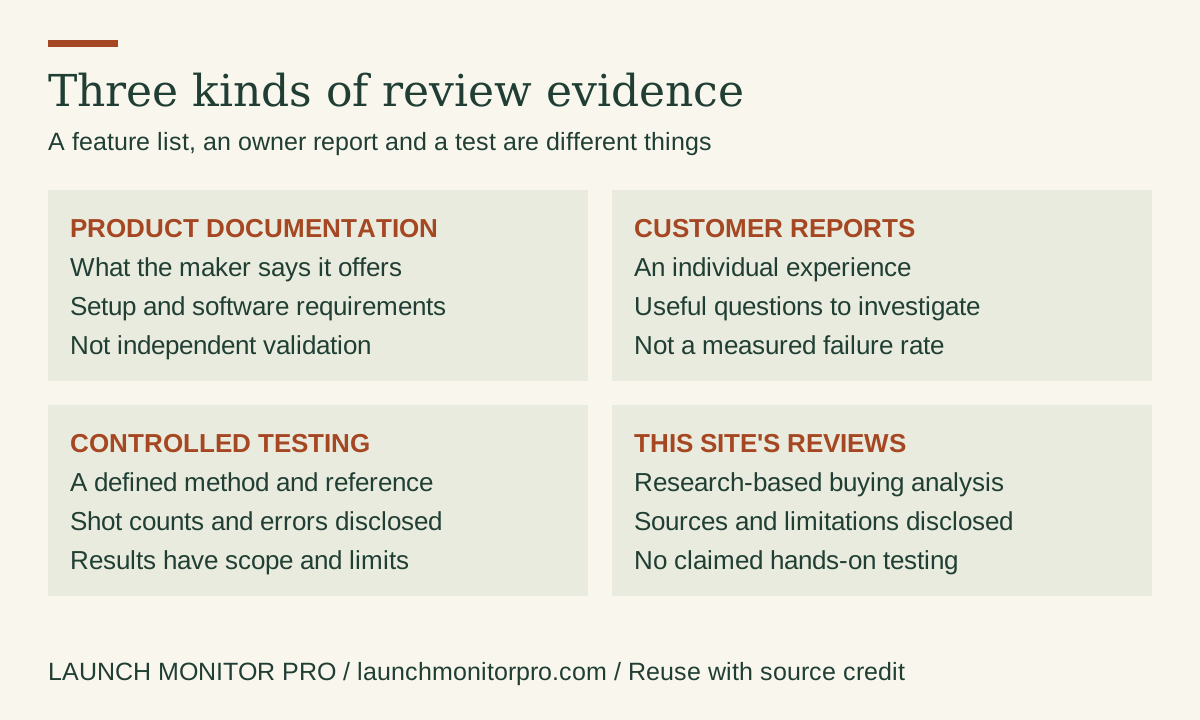
Embed this graphic on your blog
Using this when choosing a monitor
Write down your three most important practice questions before buying. Then check whether a device provides the measurements those questions need, in your room and on your software plan. Our R10 review, MLM2PRO review and side-by-side comparison follow that approach. For a wedge-focused buyer, our article on the R10 and high-spin wedge shots is worth reading too.
For a home installation, read the home simulator setup guide. Placement affects every number on this page.