
Voice Caddie SC300i vs SC200 Plus: Is the App Worth It?
The Swing Caddie SC300i and SC200 Plus look like two versions of the same device, and Voice Caddie sells them side by side. The SC300i costs $120 more at list price. That money buys an app connection, launch angle, apex, a rechargeable battery and spin rate in the app. Whether those are worth it depends on what you do with your numbers after a shot.
Research disclosure: This comparison uses Voice Caddie’s product pages and its official comparison chart, checked October 9, 2026. We have not tested either model. Prices are Voice Caddie’s US list prices at the time of writing.
Verdict
Buy the SC200 Plus if you want carry, total distance and speed numbers read out loud at the range, with nothing to pair or charge beyond AAA batteries. Buy the SC300i if you want launch angle and apex on the screen, a record of your sessions in an app and spin rate there as well. If simulator golf is the goal, Voice Caddie’s chart shows neither model supports E6; that feature belongs to the SC4 PRO.
What the chart says
| Feature | SC300i | SC200 Plus |
|---|---|---|
| Base MSRP (Oct 2026) | $399.99 | $279.99 |
| Screen | 4 inch LCD | 4 inch LCD |
| Companion app | MySwingCaddie | None |
| Bluetooth | Yes | No |
| Power | Rechargeable lithium polymer | 4 AAA batteries |
| Weight | 15.4 oz | 7.2 oz |
| Measuring range | 10 to 370 yards | 30 to 320 yards |
| Carry, total, swing speed, ball speed, smash | Yes | Yes |
| Launch angle and apex | Yes | No |
| Spin rate | In the app | No |
| Launch direction, spin axis | No | No |
| Approach mode | No | Yes |
| E6 simulator compatibility | No | No |
| Voice output, remote, practice swing mode, target mode | Yes | Yes |
Source: Voice Caddie launch monitor comparison chart, with product details from the SC300i and SC200 Plus pages.
Is the app worth $120?
The SC300i connects over Bluetooth to the MySwingCaddie app on iOS and Android. Voice Caddie says this gives you detailed shot data and club statistics, and the chart shows spin rate as an in-app figure. The SC300i still works without the app if you leave your phone in the bag.
The app is worth paying for if you will actually open it. Club averages over several sessions are the most useful thing a basic launch monitor can give you, and doing that by hand is tedious. If you are honest that you only glance at the screen between shots, the SC200 Plus gives you the same core numbers for less.
On spin, keep expectations modest. The chart lists spin rate for the SC300i only in the app, and there is no spin axis on either model. Spin from a small radar unit is a useful talking point, not a basis for fitting a driver. Our metrics guide covers what spin rate means and when it matters.
Launch angle and apex
These are the two fields that most change what you can learn from the screen. Launch angle tells you how high the ball starts. Apex tells you how high it gets. If your 7-iron balloons or your driver comes out low, the SC300i gives you a number to track while you work on it. The SC200 Plus can only tell you the result, in distance.
Neither model reports launch direction, so neither will tell you whether a miss started left or curved left. For that you need a device that measures direction, like the Garmin R10.
Power and weight
The SC200 Plus runs on four AAA batteries and weighs 7.2 ounces. That is convenient in one way: you can carry spares and never worry about charging. The SC300i is about twice as heavy at 15.4 ounces and uses a built-in rechargeable battery.
Neither weight is a problem in a golf bag. The battery type matters more if you forget to charge things, or if you dislike buying disposable batteries.
Approach mode on the cheaper model
One feature runs the other way. The chart lists an approach mode on the SC200 Plus and not on the SC300i. Voice Caddie’s pages do not say much about how it works, so check the SC200 Plus manual if short-game distance practice is a priority. It is an unusual case where the less expensive model has a mode the more expensive one lacks.
Measuring range
The SC300i’s listed range starts at 10 yards; the SC200 Plus starts at 30. If you hit a lot of short wedge and chip shots at the range, the SC300i is listed to read shorter shots. Both top out well past any amateur’s drive.
Voice Caddie also says the SC300i uses atmospheric pressure sensors in its calculations and lets you adjust loft angles. Those are design claims we have not tested.
Questions to answer before ordering
- Will you open an app after practice? If not, the main reason for the SC300i goes away.
- Do you want to change your ball flight, or just know your distances? Launch angle and apex help with the first. Carry alone covers the second.
- Do you hit many short shots at the range? The SC300i’s listed range starts at 10 yards and the SC200 Plus at 30.
- Do you want simulator golf later? If so, skip both and look at a model with simulator support, since neither of these can be upgraded to it.
- Batteries or charging? AAA cells on the SC200 Plus, a built-in rechargeable battery on the SC300i.
Practice uses that suit each
The SC200 Plus fits a simple speed and distance routine. Its practice swing mode measures swing speed without a ball, which is handy for speed training at home, and the voice output means you can keep your eyes on the target. Its approach mode adds a short-game option.
The SC300i fits a routine where you change one thing and check the result. A golfer working on a lower driver flight, for example, can watch launch angle and apex while they adjust tee height or ball position, then compare sessions in the app. That is the kind of feedback the cheaper model cannot provide.
Using either one indoors
Voice Caddie lists both as indoor and outdoor devices. Indoors into a net, the distance figures are estimates from what the radar sees in a short flight, so use speed and smash factor as the main numbers. Neither model will drive simulator software, so a home setup with either is a practice station, not a simulator. Our home simulator setup guide covers what else that kind of room needs.
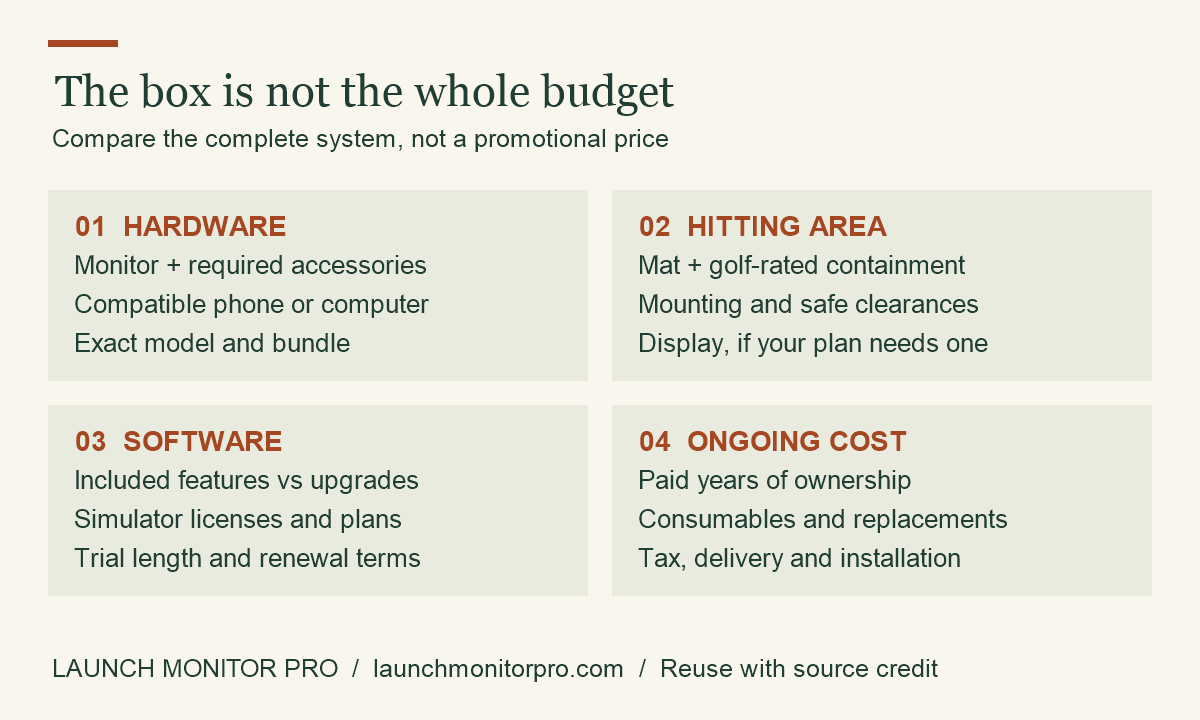
Original explainer by Launch Monitor Pro. You may reuse this graphic with visible credit and a link to the source article. This is a planning aid, not product test data.
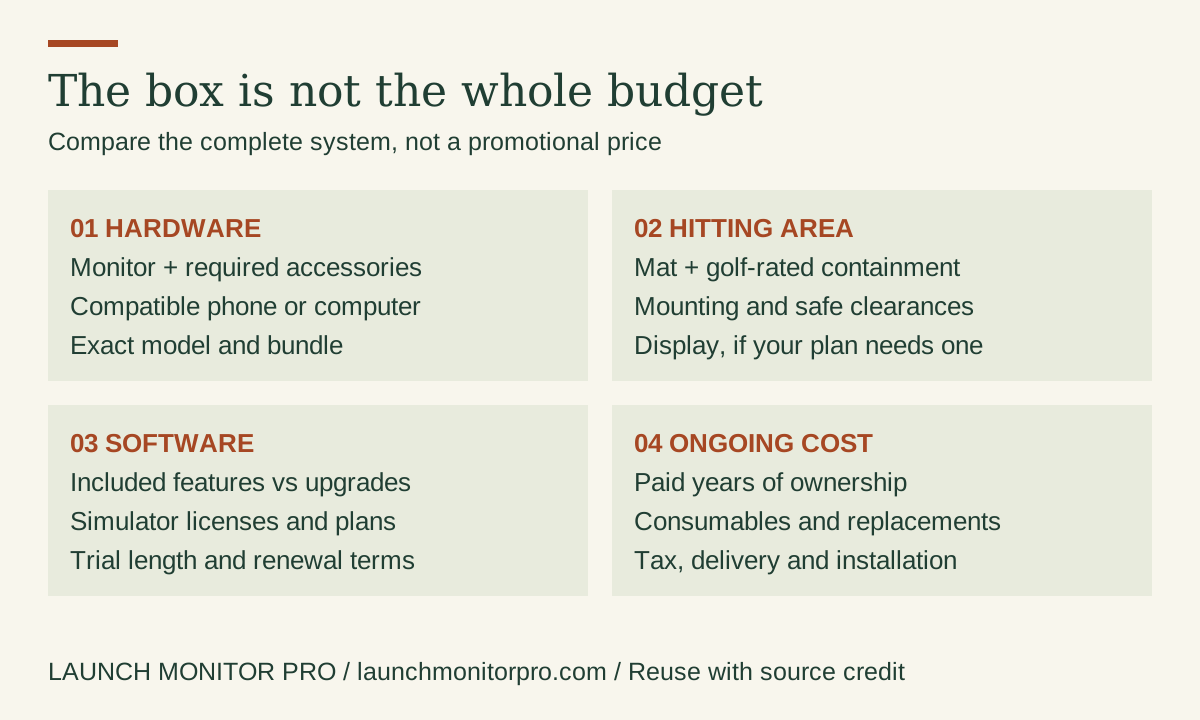
Embed this graphic on your blog
Our recommendation
- SC200 Plus: range golfers who want audible carry and speed after each shot and nothing more.
- SC300i: golfers who want launch angle, apex and an app history, and will use them.
- Neither: if you want simulator play. Look at the SC4 PRO, which Voice Caddie lists with E6 compatibility at $599.99, or compare broader options in our Garmin R10 vs Rapsodo MLM2PRO comparison.
We are not linking to stores on this page yet. Buy from Voice Caddie or an authorized dealer so the warranty applies.