
FlightScope Mevo Gen2 Review: Features and Buying Considerations
FlightScope Mevo Gen2 is a broader practice-and-simulation proposition than the original Mevo. Its documented core package can be attractive, but the most consequential buying check is often physical: does the required installation fit the intended room without compromises?
Research disclosure: This is a product-description-based assessment, not a hands-on test. Launch Monitor Pro has not personally used or tested these products. Customer comments, where accessible, are attributed separately and are not independently verified measurements. Sources were checked September 7, 2026. Buying recommendations are editorial interpretations, not manufacturer guarantees.
Documented features at a glance
| Design | Fusion Tracking combines radar and optics |
|---|---|
| Core package | 20 data parameters and an included E6 course package |
| Indoor setup | 8 feet behind ball plus 8 feet ball flight; follow ball-marking requirements |
Source: FlightScope Mevo Gen2: manufacturer documentation. These are documented features, not results from testing by this site.
A compact device does not imply a short room
The official setup calls for 8 feet behind the ball and 8 feet of limited ball flight. Their sum is a 16-foot device-to-net span, not a wall-to-wall room specification. Add the enclosure’s required clearance and assess the full swing area separately.
A buyer considering it for a garage should draw the actual usable installation rather than quote the garage dimensions. Doors, storage and overhead obstructions can change what is usable. If the required arrangement does not fit, a different sensor layout may deserve investigation.
Included software is not unlimited software
The manufacturer describes a core data and E6 package, while other enhancements and software choices can have different terms. Establish exactly what the intended practice session requires before interpreting ‘included’ as a statement about every possible feature.
A sensible budget separates the core workflow, optional upgrades and any third-party services. This avoids two opposite mistakes: paying for unnecessary additions or assuming a desired feature costs nothing because another part of the package is included.
Use customer setup reports as questions to investigate
Differing owner accounts of connection and setup are not surprising evidence that every installation is identical. They are prompts to check the planned phone or PC, connection method and software versions. This review does not use those comments to claim a measured reliability rate.
For a return-window assessment, attempt the actual intended workflow and keep a brief record of failures as well as successful sessions. A few plausible shot traces establish less than a repeatable session that can be started, saved and revisited consistently.
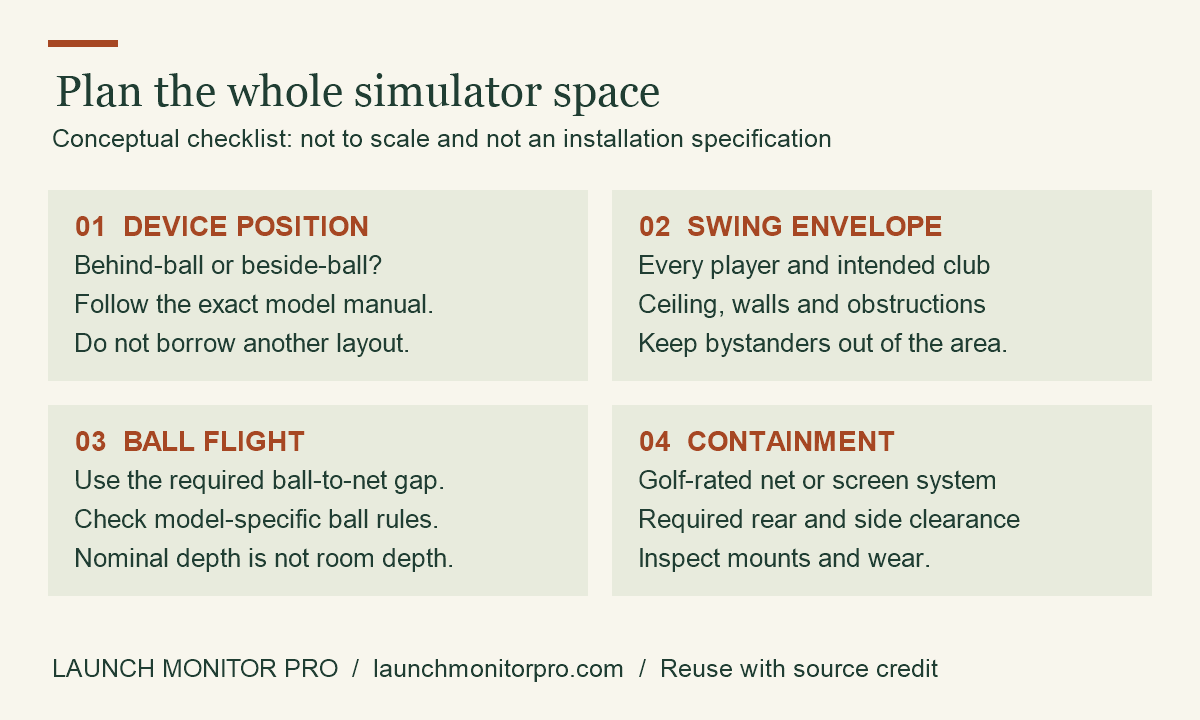
Original explainer by Launch Monitor Pro. You may reuse this graphic with visible credit and a link to the source article. This is a planning aid, not product test data.
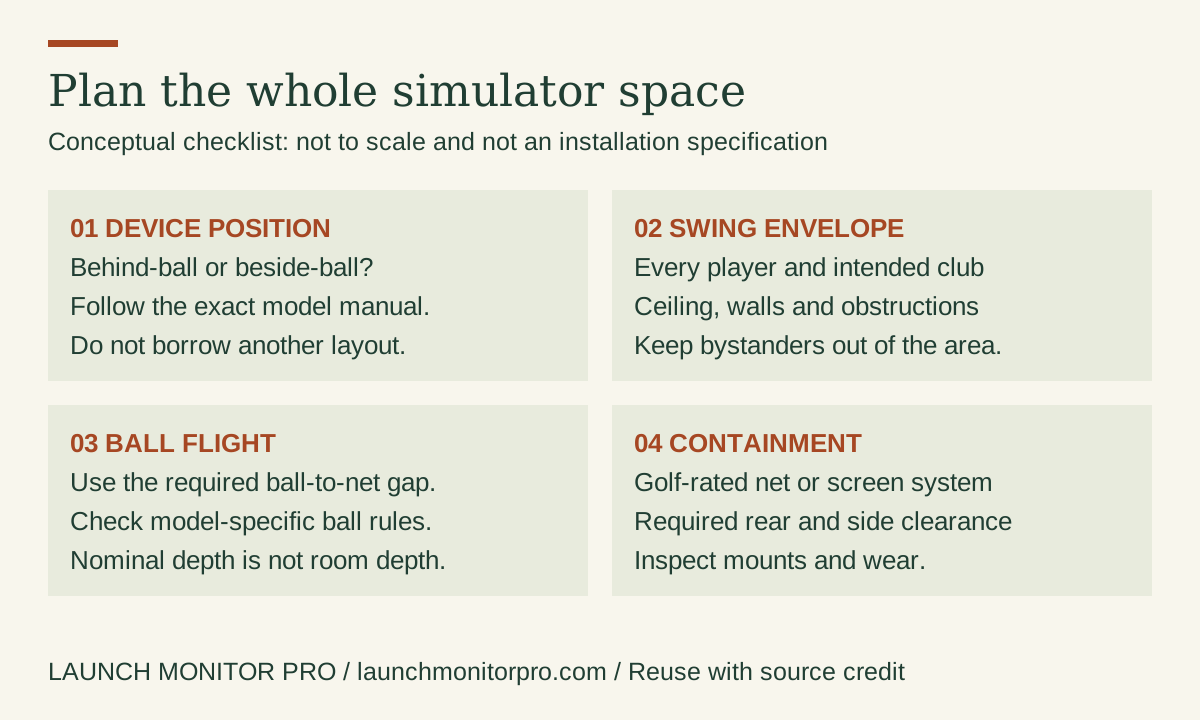
Embed this graphic on your blog
Customer-review evidence and its limits
FlightScope’s review section includes Michael H. describing connection setup as an initial hurdle and Jeff F. describing setup as easy, both dated September 6, 2026. Their differing accounts are useful prompts for a compatibility check, not reliability statistics. Source: customer comments displayed on the product page.
Customer reports can suggest questions to investigate, but a seller-hosted sample is not a controlled test or a representative survey. This article does not convert personal anecdotes into promises about accuracy, durability or improvement.
Before ordering: compare a complete purchase
Check the exact model, seller, condition, bundle contents and return terms. Add the compatible device, necessary software and installation equipment to the budget. Compare the same ownership period across alternatives. Hardware prices and marketplace ratings are intentionally not frozen into this article; consult the current listing and software provider for their present terms.
No products found.
Buying decision
Mevo Gen2 is a relevant shortlist candidate when the room, compatible device and included feature package all fit. Compare it with EYE MINI CORE as two complete installations, including computer and software needs, rather than treating sensor price as the entire decision.