
Garmin Approach G82 Review: Features and Buying Considerations
The Garmin Approach G82 is aimed at the overlap between practice feedback and on-course information. A larger handheld screen and putting-related practice features make its purpose different from simply buying a dedicated simulator sensor with a Garmin logo.
Research disclosure: This is a product-description-based assessment, not a hands-on test. Launch Monitor Pro has not personally used or tested these products. Customer comments, where accessible, are attributed separately and are not independently verified measurements. Sources were checked September 7, 2026. Buying recommendations are editorial interpretations, not manufacturer guarantees.
Documented features at a glance
| Design | GPS handheld with radar and a 5-inch touchscreen |
|---|---|
| Practice | Full-swing and putting-related metrics |
| Paid feature example | Aerial course imagery requires Garmin Golf membership |
Source: Garmin Approach G82: manufacturer documentation. These are documented features, not results from testing by this site.
A dual-purpose device needs a dual-purpose buyer
The clearest candidate is someone who wants a course handheld and plans to use practice feedback around a round. A buyer who already has preferred course-navigation equipment should avoid paying for that overlap without a reason.
Create two lists before comparing it with the R10: what is needed on the course and what is needed in practice. If only the second list matters, assess the G82 against that narrower job rather than giving every GPS capability an automatic value.
Putting features are a specific reason to investigate
Garmin identifies putting-related metrics among the G82’s additions. That can justify a closer look for a golfer with a defined putting-practice objective. It does not establish that the device replaces a full putting assessment or that its measurements have been independently validated here.
Ask which exact feedback the exercise requires and whether the supported mode provides it. A feature can be interesting without being relevant to a current practice plan. If no planned exercise uses it, leave it in the optional column of the purchase decision.
Keep course imagery and practice costs separate
An aerial-imagery subscription is a course-use decision. It should not be confused with the requirements of every practice function simply because both appear on the same product page. Check the current entitlement for each desired feature.
This matters when comparing a combined handheld with a dedicated launch monitor. Build equivalent packages: one that provides the actual course-and-practice workflow, and one that supplies those functions through separate tools. Only then can the difference in total spending be interpreted sensibly.
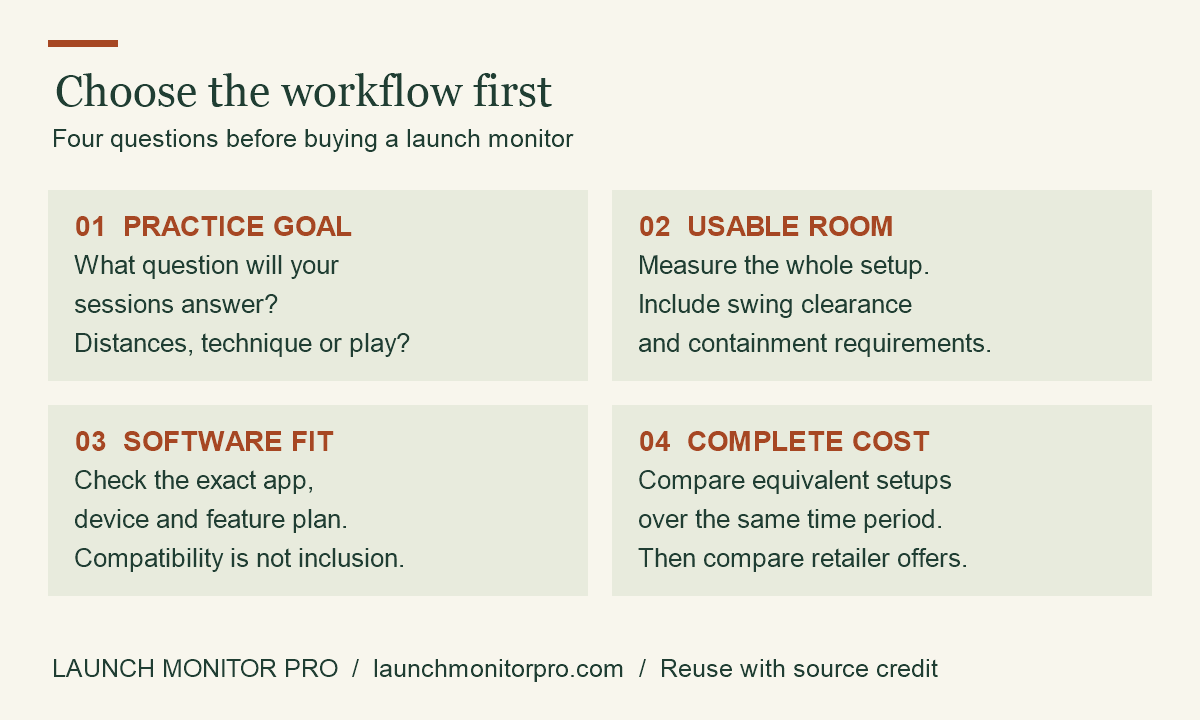
Original explainer by Launch Monitor Pro. You may reuse this graphic with visible credit and a link to the source article. This is a planning aid, not product test data.
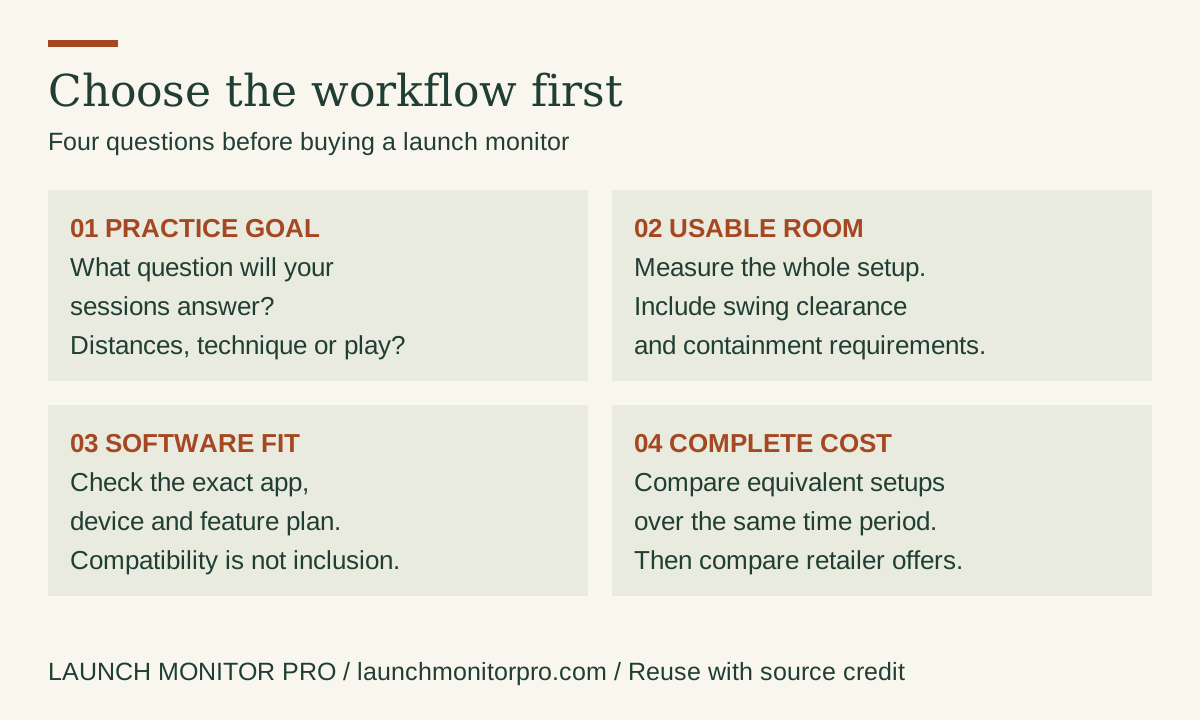
Embed this graphic on your blog
Customer-review evidence and its limits
No sufficiently inspectable, model-specific customer-review sample was available in this research pass. This article therefore does not assert an owner consensus, star rating or reported failure rate. Its assessment rests on the linked product information and the buying analysis, not invented customer experiences.
Customer reports can suggest questions to investigate, but a seller-hosted sample is not a controlled test or a representative survey. This article does not convert personal anecdotes into promises about accuracy, durability or improvement.
Before ordering: compare a complete purchase
Check the exact model, seller, condition, bundle contents and return terms. Add the compatible device, necessary software and installation equipment to the budget. Compare the same ownership period across alternatives. Hardware prices and marketplace ratings are intentionally not frozen into this article; consult the current listing and software provider for their present terms.
No products found.
Buying decision
The G82 is most relevant when course information and practice features both matter. It is not an automatic R10 replacement for an indoor simulator project. Confirm the exact intended mode, software access and physical setup before choosing between the two.