
Garmin G82 vs Garmin R10: Different Tools for Different Jobs
Garmin makes both of these, and both use radar to measure your swing. That is about where the overlap ends. The Approach G82 is a GPS handheld for the golf course that also works as a basic launch monitor. The Approach R10 is a dedicated launch monitor that can run simulator golf at home. Most buyers need one job done well, and the choice follows from which job that is.
Research disclosure: We based this on Garmin’s announcements, manuals and specifications, checked October 9, 2026. We have not used either device. Prices are Garmin’s US prices at the time of writing; the G82 figure is its suggested retail price at launch.
Which one, in one paragraph
Choose the G82 if you want course GPS, a virtual caddie and a quick warm-up tool in one device, and if putting stroke data interests you. Choose the R10 if you want fuller launch data, club path and face angle, and the option to play simulated rounds at home. If you want both jobs done well, they are complementary rather than competing, and our individual G82 review and R10 review go deeper on each.
Jobs each device is built for
| Task | Approach G82 | Approach R10 |
|---|---|---|
| Price (Oct 2026) | $599.99 suggested retail at its January 2026 launch | About $499.99 on Garmin’s US store |
| On-course GPS | Yes, 43,000+ preloaded courses on a 5 inch touchscreen | No |
| Full-swing radar data | Ball speed, club speed, smash factor and tempo | Adds launch angle and direction, spin, club path, face angle, angle of attack, apex, carry, total and deviation |
| Putting metrics | Stroke length, tempo, club and ball speed and more | No putting metrics listed |
| Bag mapping | Yes, feeds the on-course virtual caddie | Not listed in the R10 specifications we checked |
| Home simulator | Not offered | Home Tee Hero with a Garmin Golf membership; third-party software supported |
| Battery | Up to 25 hours GPS, up to 8 hours radar | Up to 10 hours |
| Water rating | IPX7 | IPX7 |
Sources: Garmin’s G82 announcement and the R10 specifications.
On the course
Only the G82 belongs here. It shows distances on a 5 inch color touchscreen for more than 43,000 preloaded courses. Garmin lists a virtual caddie that uses your bag-mapping data along with wind, elevation and hazards, a PlaysLike distance adjusted for elevation and conditions, a magnet for the cart and a clip for the bag. Wind and PlaysLike need the Garmin Golf app on a paired phone.
With a Garmin Golf membership, the G82 also shows aerial imagery and green contours. It works with Garmin’s CT10 club sensors and compatible Garmin rangefinders, both sold separately.
On the range
Both help, in different depth. The G82 reports ball speed, club speed, smash factor and tempo, and it offers target practice and bag mapping so your range numbers flow into the on-course caddie. That is useful warm-up feedback before a round.
The R10 tells you more about each shot. Launch angle, launch direction, spin, face angle, club path and angle of attack let you look at why a shot behaved the way it did. If you are working on a specific swing change, that extra data is the reason to choose it. Our metrics guide explains which of those numbers answer which question.
On the putting green
Here the G82 has something the R10 does not. Garmin says it is the only handheld that offers putting metrics, including stroke length, tempo, club speed and ball speed. Garmin’s R10 materials do not list putting stroke metrics.
If putting practice is a priority, that alone may decide it. Treat these as practice feedback rather than a putting lab; we have no data on how they compare with dedicated putting systems.
At home
This is the R10’s territory. With a Garmin Golf membership, Home Tee Hero lets you play simulated courses, and the R10 also connects to third-party simulator software, which carries its own fees. Garmin’s indoor instructions place the R10 6 to 8 feet behind the ball with at least 8 feet from the ball to the net, so a garage setup needs 14 to 16 feet of length plus room behind the net.
The G82 includes a club speed training mode that works without hitting a ball, which is handy for speed work in a living room. Garmin does not offer it as a simulator.
If home play is part of the plan, read the home simulator setup guide before choosing. The room usually costs more than the monitor.
Battery and charging
Garmin lists the G82 at up to 25 hours in GPS mode and up to 8 hours in radar mode. That covers several rounds or a long range session. The R10 is listed at up to 10 hours. Both are rated IPX7, so rain is not a concern for either.
What membership changes
The Garmin Golf membership affects both devices differently. On the G82 it adds aerial imagery and green contours on the course. On the R10 it adds Home Tee Hero simulator play and stored shot video. US retailers list the membership at $99.99 per year or $9.99 per month. Neither device needs it for core data.
If you own both, read Garmin’s membership terms to see how one plan applies across devices on the same account before paying twice.
Questions to settle first
- Where will it live? In your bag on the course, or on a tripod in the garage?
- What do you want to learn from a range session? Speed and smash factor, or why the ball curved?
- Do you want to play simulated rounds? If yes, only the R10 of these two does it.
- How much do you practice putting? The G82 is the one with putting metrics.
- Do you already own a Garmin watch or rangefinder? The G82 is built to work with Garmin’s CT10 sensors and compatible rangefinders.
Handling and setup
The G82 is a handheld with a magnetic back and a bag clip, so it is quick to carry to the range; follow Garmin’s G82 manual for exact placement in radar mode. The R10 attaches to a magnetic tripod mount and is placed 6 to 8 feet behind the tee indoors, with its red alignment line pointed at the target. Garmin’s R10 instructions also allow the ball to sit within a 2 by 2 foot hitting area that starts 6 feet from the device, which helps when a mat wears in one spot.
Owning both
Some golfers will end up with both: the G82 in the bag for rounds and warm-ups, the R10 in the garage for winter. That combination costs about $1,100 at the prices above. If budget allows only one, decide where most of your practice happens. A golfer who plays twice a week and rarely practices gets more from the G82. A golfer who practices more than they play gets more from the R10.
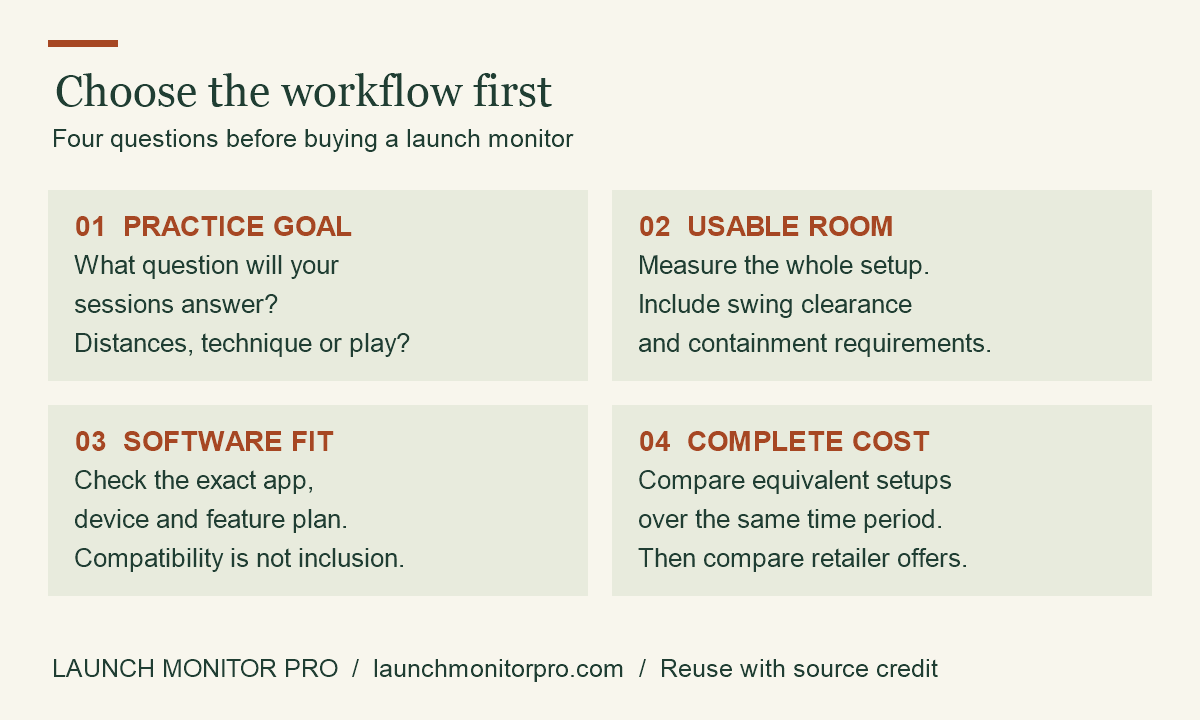
Original explainer by Launch Monitor Pro. You may reuse this graphic with visible credit and a link to the source article. This is a planning aid, not product test data.
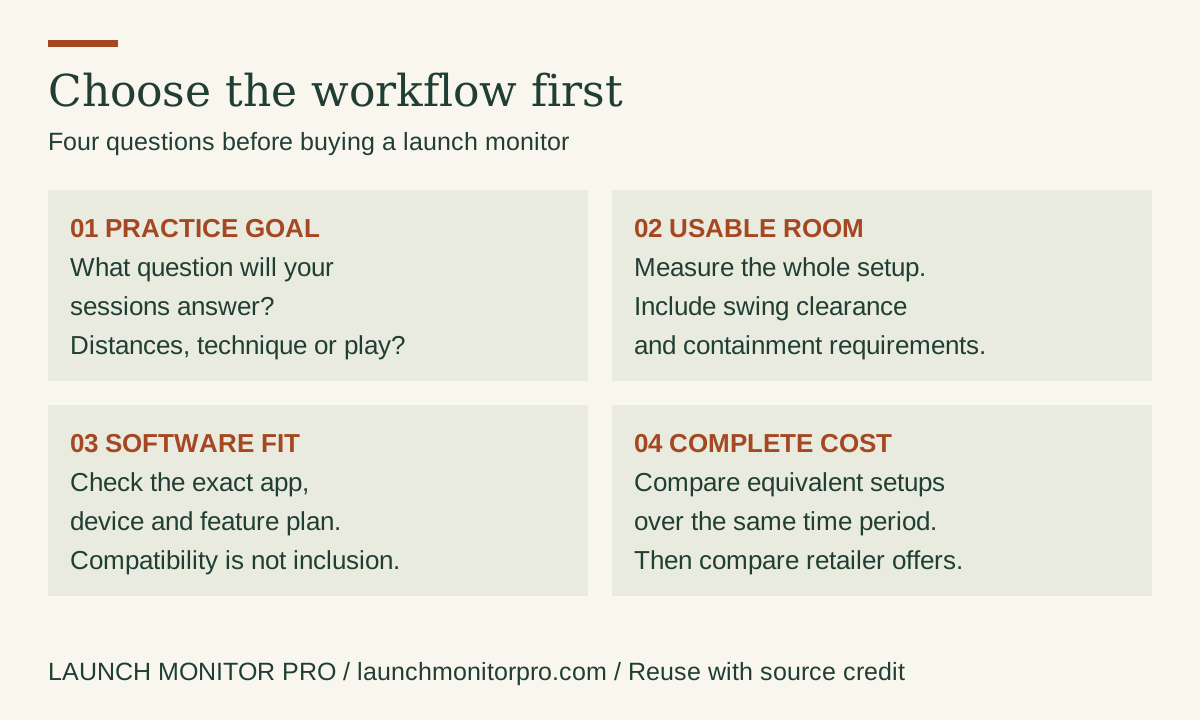
Embed this graphic on your blog
Our recommendation
- G82: course GPS plus warm-up data and putting feedback in one device.
- R10: deeper swing data and simulator golf at home.
- Something else: if you want a launch monitor with a built-in screen and simulator, compare the Garmin R50 against the Bushnell Launch Pro.
Store links are not included on this page yet.